

If you are searching for a HubSpot Zalo integration, you already understand something most businesses are still figuring out.
Zalo is not a side channel. For businesses operating in or targeting global markets, especially the Vietnamese markets, it is where customers actually are;messaging, following brand pages, making purchase decisions. Ignoring it is not a neutral choice. It is a competitive disadvantage.
But here is the question worth asking before you go down the integration rabbit hole: is the real problem with which CRM you are using or is it that your entire communication stack is not built to handle multi-channel conversations properly?
Because the businesses winning on Zalo right now are not just plugging it into whatever CRM they already have. They are rethinking how their CRM handles communication entirely. And that is a bigger, more important conversation than any single integration.
Why Zalo Demands More Than a Basic Integration?
Zalo has over 80 million users with the vast majority in Vietnam and it functions very differently from WhatsApp or Facebook Messenger. It has Official Accounts for businesses, broadcast messaging, Zalo OA automation, and a user base that expects brands to communicate with them natively on the platform.
For businesses targeting this market, Zalo is not optional. It is the primary channel for customer engagement, lead nurturing, and post-sale communication.
The problem is that most CRM tools were not built with Zalo in mind. They handle email brilliantly. They manage web chat reasonably well. But Zalo? It either requires a third-party workaround, a custom API build, or it simply is not supported at all.
This is where many businesses searching for a Salesforce or HubSpot Zalo CRM integration hit their first wall.
Regardless of which CRM you are on, businesses end up in the same situation: Zalo conversations happening in one place, CRM data living somewhere else, and a team manually bridging the gap or not bridging it at all.
The Multi-Channel Problem Nobody Solves by Switching CRMs
Here’s what most businesses get wrong when they go looking for a Zalo CRM integration.
They assume the problem is the CRM. So, they look for a different one, one that promises Zalo support out of the box. Sometimes they find it. More often, they find a partial integration that syncs messages but doesn’t trigger workflows, or logs conversations but doesn’t connect them to lead records or works for Zalo OA but not for Zalo personal messaging.
The real problem isn’t which CRM you’re on. It’s whether your CRM is built to handle multi-channel communication as a first-class feature, not as an afterthought.
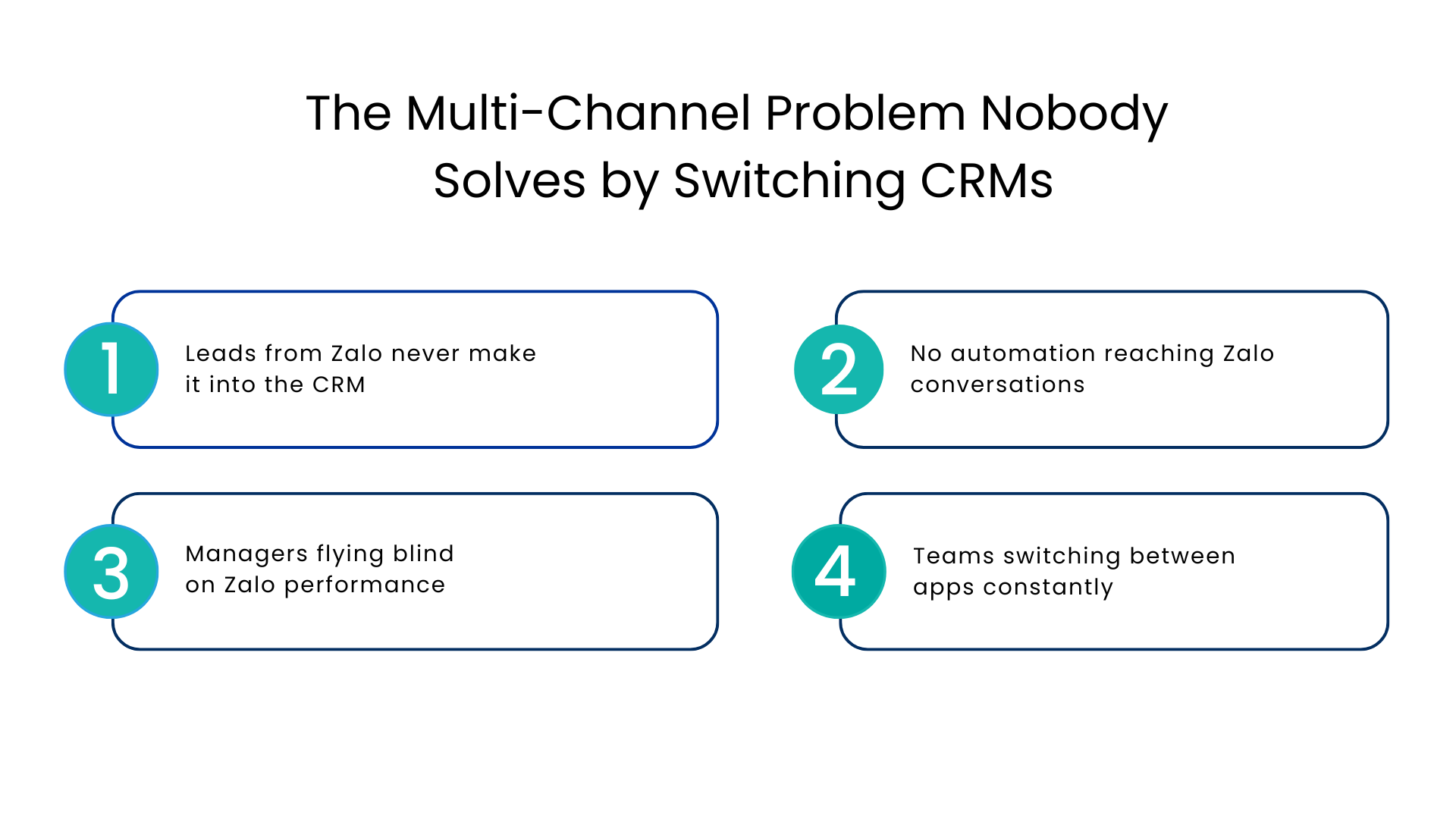
That is why Salesforce or HubSpot Zalo OA integration is a necessary tool for a business. Lets see what do multi-channel chaos looks in practice without proper integration:
Leads from Zalo never make it into the CRM
A prospect messages your Zalo OA, asks detailed questions, shows clear purchase intent. Your team responds. The conversation ends. Nothing gets logged. The lead exists in Zalo and nowhere else until a follow-up falls through and the opportunity disappears.
No automation reaching Zalo conversations
Your CRM has workflows, triggers, and automation built around email and web activity. None of it touches Zalo. So every Zalo interaction requires manual handling manual logging, manual follow-up, manual status updates. At scale, that’s unsustainable.
Managers flying blind on Zalo performance
How many Zalo leads came in this week? What’s the average response time? Which Zalo conversations converted? Without integration, these questions are unanswerable. You’re managing a channel you can’t measure.
Teams switching between apps constantly
Sales reps on Zalo OA, then Salesforce or HubSpot, then back to Zalo. Every switch cost time, breaks context, and increases the chance something gets missed.
What Proper Zalo CRM Integration Actually Looks Like?
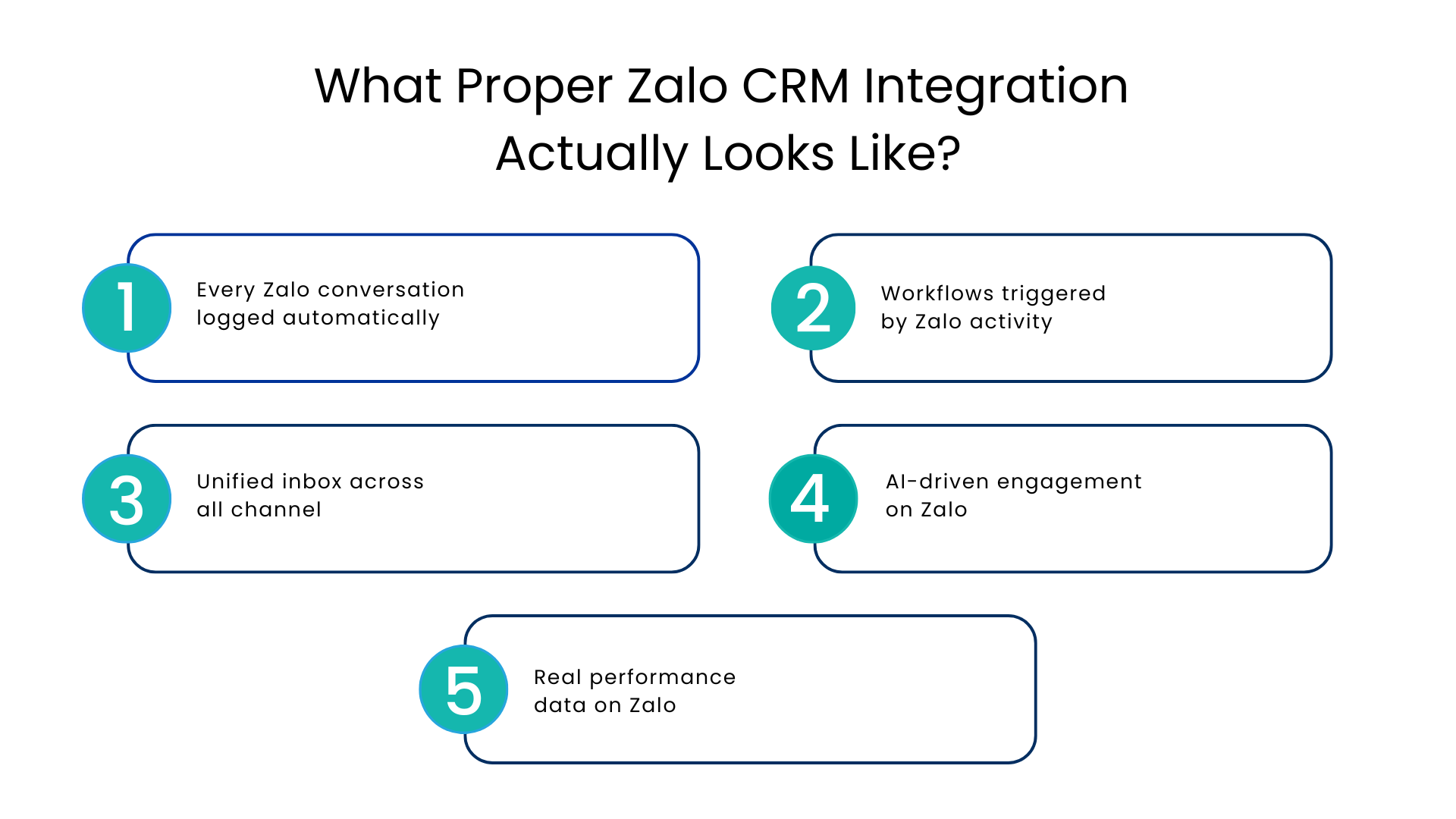
A proper Hubspot Zalo integration doesn’t just sync messages. It makes Zalo a fully functioning part of your sales and support operation with the same automation, visibility, and data quality you expect from every other channel.
Here’s what that means in practice:
Every Zalo conversation logged automatically
Whether it’s a new lead messaging your Zalo OA or an existing customer asking a follow-up question, the conversation appears in your CRM against the right contact record. No manual entry. No gaps.
Workflows triggered by Zalo activity
A lead message on Zalo; a task fires, a rep gets notified, a follow-up sequence begins. The same CRM intelligence that runs your email automation starts running on Zalo too.
Unified inbox across all channels
Zalo, WhatsApp, email, SMS; all managed from a single interface inside your CRM. Your team stops juggling apps and starts handling every conversation from one place with full context.
AI-driven engagement on Zalo
Suggested responses, conversation summaries, follow-up recommendations; AI working across Zalo the same way it works across your other channels. Not a separate tool. The same intelligence applied everywhere.
Real performance data on Zalo
Response times, engagement rates, conversion by channel, all trackable inside your CRM dashboard. You stop guessing how Zalo is performing and start making decisions based on actual numbers.
What Proper Zalo CRM Integration Actually Looks Like?
A proper Zalo multi-channel communication setup does not just sync messages. It makes Zalo a fully functioning part of your sales and support operation with the same automation, visibility, and data quality you expect from every other channel.
Here is what that means in practice:
Every Zalo conversation logged automatically
Whether it is a new lead messaging your Zalo OA or an existing customer asking a follow-up question, the conversation appears in your CRM against the right contact record. No manual entry. No gaps.
Workflows triggered by Zalo activity
A lead message on Zalo; a task fires, a rep gets notified, a follow-up sequence begins. The same CRM intelligence that runs your email automation starts running on Zalo too.
Unified inbox across all channels
Zalo, WhatsApp, email, SMS; all managed from a single interface inside your CRM. Your team stops juggling apps and starts handling every conversation from one place with full context.
AI-driven engagement on Zalo
Suggested responses, conversation summaries, follow-up recommendations AI working across Zalo the same way it works across your other channels. Not a separate tool. The same intelligence applied everywhere.
Real performance data on Zalo
Response times, engagement rates, conversion by channel, all trackable inside your CRM dashboard. You stop guessing how Zalo is performing and start making decisions based on actual numbers.
Conclusion
The search for a Salesforce or HubSpot Zalo integration usually starts with the instinct that Zalo needs to be inside the CRM, not running parallel to it.
But the more important question is whether your entire communication stack is built for how customers actually reach you today. Not just Zalo. Not just email. All of it in one place, with one layer of automation, one inbox, and one dashboard.
Salesforce or HubSpot may be where your journey started. But if Zalo is a serious channel for your business, a native solution built inside CRM is where that journey needs to go.
That is what Communicat-O delivers. And it is worth seeing before you spend another month managing Zalo through a connector that almost works. Book a free demo
FAQs
What is Zalo OA and why does it matter for businesses?
Zalo Official Account is the business version of Zalo that allows brands to send broadcast messages, automate responses, and engage customers at scale. For businesses in Vietnamese markets, it’s the primary channel for customer communication.
Can Zalo integration trigger CRM workflows automatically?
Yes, with a proper integration like Communicat-O, Zalo activity can trigger Salesforce workflows automatically. A new message, a specific keyword, or a conversation outcome can fire tasks, update records, or start follow-up sequences without manual intervention.
What other channels does Communicat-O support alongside Zalo?
WhatsApp, WhatsApp Calling, Facebook Messenger, Instagram, Intercom, SMS, Telegram, Viber, LINE, WeChat, and RCS, all can be seamlessly managed from a single unified inbox inside Salesforce.
Is multi-channel CRM communication only relevant for large enterprises?
No. Any business managing customer conversations across more than one channel benefits from a unified setup. The manual overhead of juggling multiple apps affects small teams just as much, often more, because they have fewer people to absorb the inefficiency.
For more insights, updates, and expert tips, follow us on LinkedIn.