


There’s a quiet but significant shift happening inside B2B revenue teams operating across Asia-Pacific markets. The shift isn’t about a new sales methodology or a flashy outbound strategy. It’s far more operational than that. It’s about where conversations actually happen, and whether your CRM knows about them.
For millions of businesses engaging customers in the broader APAC region, WeCom is not just another messaging app. It’s where deals are discussed, relationships are built, and decisions get made. Yet for most revenue teams, those conversations exist in a completely separate world from their CRM. That HubSpot WeCom integration gap is costing teams more than they realize.
The Invisible Problem Slowing Down Revenue Teams
Picture a sales rep managing a mid-funnel deal with a key prospect in Shanghai. The conversation is happening over WeCom. Follow-ups, document sharing, quick check-ins, all of it is on the platform. Meanwhile, the CRM sits separately, waiting for someone to manually log updates that often never come.
This isn’t a people problem. It’s a systems problem.
When customer conversations and CRM records live in separate tools, your revenue operations are essentially flying blind. Lead routing becomes guesswork. Sales managers can’t see what’s actually being discussed. Marketing can’t accurately attribute what content or touchpoints are moving deals. And customer-facing teams waste significant time copy-pasting notes or jumping between apps just to stay aligned.
The result? Slower response times, missed follow-ups, inconsistent customer experiences, and a Salesforce CRM full of outdated or incomplete data.
What Revenue Leaders Are Noticing
The teams that figure this out first tend to share one observation: the channel your customer prefers should never be the weakest link in your CRM visibility.
APAC customer communication patterns are fundamentally different from Western markets. WeCom has over 1.6 billion monthly active users across WeChat’s ecosystem, and its enterprise version is deeply embedded in how Chinese professionals communicate at work. If your revenue stack doesn’t account for this, you’re leaving a significant portion of your pipeline activity untracked.
What Integrating WeCom With Your CRM Actually Solves
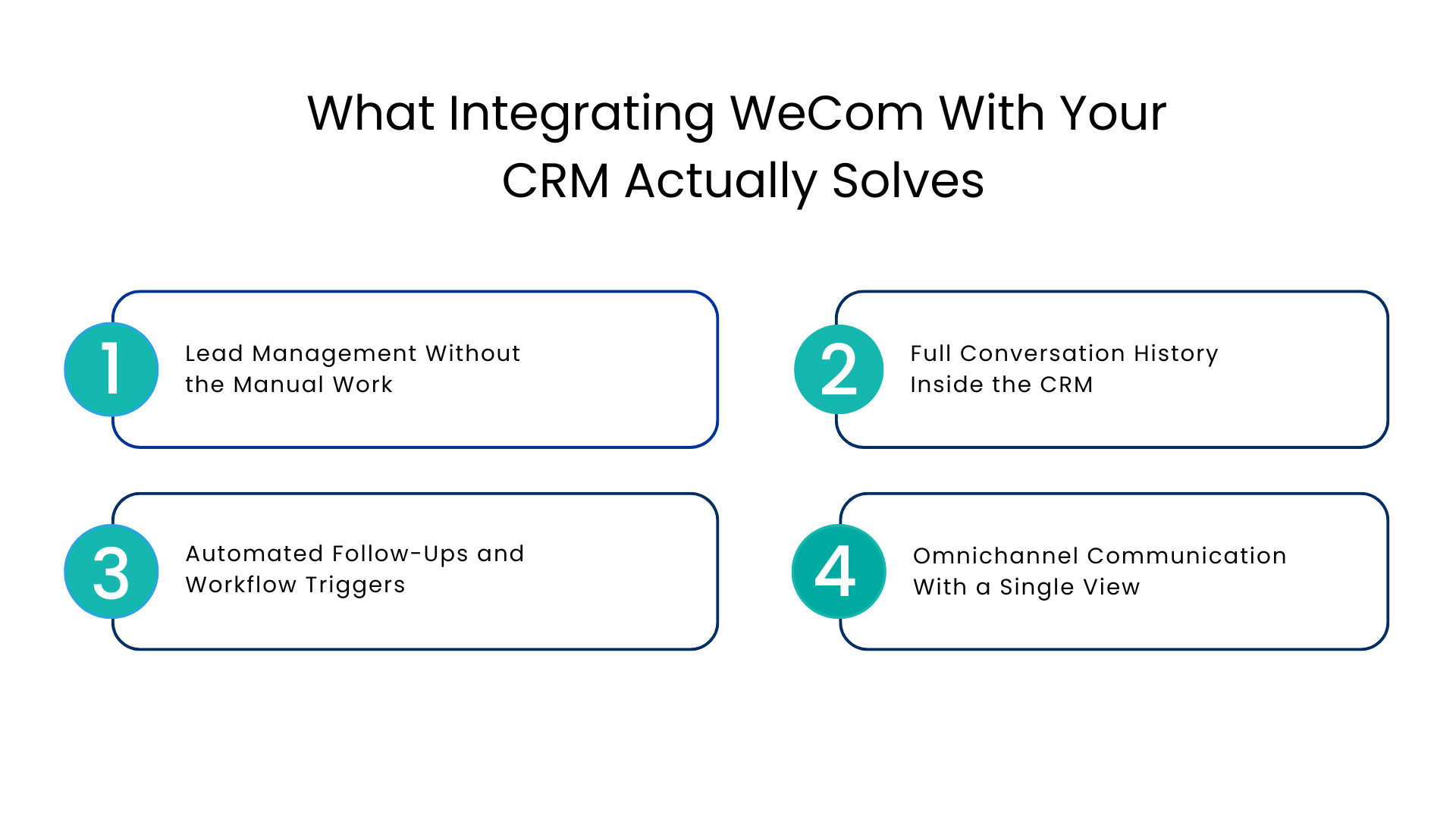
When you integrate WeCom with your CRM, the conversation and the contact record finally exist in the same place. Here’s what that looks like in practice across real revenue workflows.
Lead Management Without the Manual Work
Every time a prospect reaches out on WeCom, that interaction can be automatically tied to the corresponding contact or lead in your CRM. No more manual entry. No more waiting for the sales rep to update the system after the fact.
This matters enormously for lead routing. When the system knows a lead has been active on WeCom, the right team member gets notified immediately. Response time drops. Engagement rates improve. The lead doesn’t go cold while someone tries to figure out who owns it.
Full Conversation History Inside the CRM
One of the most underrated benefits of a WeCom and HubSpot integration (or any CRM integration) is the conversation log. When a deal progresses, anyone on the team can look at the full history of what was said, what was promised, and what the customer actually cares about. This is critical for handoffs between sales and customer success, for onboarding, and for renewal conversations.
Without this, every handoff is a fresh start. With it, continuity becomes a competitive advantage.
Automated Follow-Ups and Workflow Triggers
Sales workflow automation gets significantly more powerful when it includes messaging activity. A prospect who responds to a WeCom message can trigger an automated follow-up sequence. A contact who goes quiet for a defined period can automatically get flagged for re-engagement. Reminders, task creation, deal stage updates — all of these can be triggered by what happens inside WeCom conversations.
This isn’t just about saving time. It’s about making sure nothing falls through the cracks at a critical moment in the deal cycle.
Omnichannel Communication With a Single View
Modern revenue teams rarely engage customers on just one channel. A deal might start with an email, move into WeCom for day-to-day communication, and involve a video call for the final pitch. When all of these touchpoints feed into the same CRM record, your team gets a genuinely complete picture of the customer relationship.
This is what omnichannel communication looks like when it’s done operationally, not just conceptually.
How Does Salesforce WeCom OA Fit In Enterprise CRM Process Flows?
For bigger enterprises with access to the OA capabilities of WeCom, the narrative of integration becomes all the more compelling. With WeCom OA, companies can manage their customer communications through verified business accounts, messaging, and customer service processes.
By integrating WeCom OA with your Salesforce CRM system, you will be able to do the following:
- Segment your contacts according to messaging activities and CRM data
- Send segmented and personalized messaging to contacts directly from your CRM process flows
- Get tracking for message delivery and responses within your revenue reports
- Route incoming queries from WeCom OA to appropriate sales/support teams seamlessly
Choosing the Right Integration Approach
Not all WeCom CRM integrations are built the same way. There are a few things to evaluate carefully.
Quality of data sync: Is all context of the conversation synced, or just basic metadata? Knowing when a message is received is not very helpful compared to knowing what was said.
Level of automation: Can you create automated, multi-action sequences based on activities in WeCom? Or does it have a uni-directional flow of data?
Scalability of the team: Can your CRM handle multiple reps interacting separately in individual conversations within WeCom, from one CRM inbox?
Issues with compliance and data: Very relevant considering the APAC region.
Platforms like Communicat-O have built their product specifically around this challenge — centralizing messaging from platforms like WeCom inside your CRM without requiring your team to change how they work, just giving them better visibility and automation on top of it.
Their WeCom integration for Salesforce is a strong example of what purpose-built looks like: conversation history inside the CRM, automated workflows triggered by messaging activity, shared inbox for team coordination, and AI-assisted responses to help teams handle volume without sacrificing personalization.
The Operational Case for Acting Now
Here’s something worth sitting with: the longer your WeCom conversations stay disconnected from your CRM, the larger the gap in your customer data grows. Every month of untracked interactions is a month of signals your team can’t learn from, a month of follow-ups that may have been inconsistent, and a month of pipeline data that doesn’t reflect reality.
Revenue teams that move early on conversational CRM integrations tend to build a compounding advantage. Their customer data gets richer. Their workflows get tighter. Their response times improve. And because everything is tracked, their sales managers can coach from actual evidence rather than gut feel.
The teams that wait tend to face a messier problem later: a backlog of disconnected customer history and a CRM that nobody fully trusts.
Making the Integration Work for Your Team
Before you start evaluating tools, it’s worth getting clear on what you actually need. A few questions worth answering:
- How many reps are actively using WeCom today, and how much of their customer communication happens there?
- What CRM workflows are currently not triggering because WeCom activity isn’t visible?
- Where are deals most often stalling, and is a lack of follow-up visibility part of the reason?
- What would a 20% improvement in response time mean for your close rate?
These aren’t abstract questions. They point directly to where an integration delivers measurable return.
Once you’ve scoped the problem, look for an integration partner who understands both the technical side and the operational side. The best integrations are ones that fit naturally into how your team already works, rather than requiring everyone to change their behavior for the tool.
Conclusion
WeCom is already where your APAC customers are having their most important conversations. Your CRM is where your revenue team is supposed to have full visibility into those customers. Connecting these two should not be an afterthought.
The good news is that the technology to do this well already exists. Revenue teams integrating WeCom with their CRM stack today aren’t doing something experimental. They’re closing an operational gap that, once you’ve seen it clearly, is hard to unsee.
If your team is ready to bring those conversations into your Salesforce CRM and turn messaging into a measurable part of your revenue workflow, explore what a full multi-channel CRM messaging solution looks like with Communicat-O. It’s built for exactly this problem.
FAQs
What is WeCom and how is it different from regular WeChat?
WeCom (alternatively called WeChat Work) is an enterprise-level messaging app offered by Tencent that can be used to support business operations such as employee profiles, customer connection tools, and corporate security. In contrast to normal WeChat, WeCom is designed to support collaboration among teams inside the company and customers outside in a broader sense, and it serves as the preferred channel for making transactions happen in APAC.
Why should the sales team connect WeCom to their CRM?
All interactions with WeCom will become transparent to the CRM system as a result, enabling precise monitoring of all activities of leads, follow-ups, and more accurate data on their pipeline. In other words, the team can get an accurate picture of how the leads interact without guessing.
What Is WeCom OA and Is It Compatible with CRM Solutions?
WeCom OA (official account) is a certified business account that allows users to send broadcast messages and route messages. By integrating it with CRM solutions, businesses will be able to split contacts into segments, deliver personalized messages based on the context from the CRM platform, and automatically route incoming leads to the correct person.
Is it possible for the CRM to automatically log WeCom messages without any manual entry?
Yes. By integrating the two effectively, with something like Communicat-O, the WeCom messages will be logged automatically into the corresponding record for the lead in the CRM. This ensures that your reps do not have to manually copy-and-paste or switch applications to enter the information in the system.
How does an integrated WeCom application help improve response time for leads?
When a lead reaches out through WeCom, the integration solution sends notifications directly to the responsible rep who is then able to act upon the message faster. This is because of the reduced latency of identifying the lead in another app and manually entering the interaction data. Rapid response times result in better conversions.
Is a HubSpot WeCom integration different from other CRM integrations?
The goal is the same across CRMs – to get WeCom conversations into your pipeline data without manual effort. A HubSpot WeCom integration syncs messaging activity to contacts, deals, and automation workflows inside HubSpot specifically. What matters most regardless of platform is whether the integration supports two-way sync, full conversation logging, and workflow triggers, not just surface-level connectivity.
What should I look for when choosing a WeCom CRM integration solution?
Focus on four things: full conversation capture (not just metadata), workflow automation triggered by messaging activity, a shared inbox your whole team can work from inside the CRM, and solid data privacy handling for APAC compliance. Solutions built specifically for this use case, like Communicat-O, tend to cover all four out of the box.
How long does it typically take to set up a WeCom CRM integration?
Using a specialized tool, basic setup like conversation synchronization and inbox sharing can be made operational within a couple of days. The more complex aspects of workflow automation will take slightly longer depending upon what your team requires. The fastest way to achieve the quickest benefits is by starting off with lead routing and conversation tracking.
For more insights, updates, and expert tips, follow us on LinkedIn.