

Every SaaS team knows the feeling. A customer sends a message on one channel, follows up on another, and by the time someone responds, the context is gone and the customer is frustrated. Slow response times and disconnected support experiences are among the top reasons customers churn, and most of the time, the root cause is not a lack of effort. It is a lack of connected tools.
The good news is that this is a solvable problem. A properly configured Intercom Integration brings together your messaging channels, CRM data, and support workflows into one place. When your team can see the full customer picture before they type a single reply, response times drop and the quality of every interaction goes up.
This article walks through practical strategies SaaS teams can use to reduce response times and improve CX, including how to align Salesforce data, automate workflows across channels, and build the kind of support experience that keeps customers coming back.
Why Slow Response Times Are a Retention Problem?
It’s harder to overstate the significance of speed than one might think. According to Salesforce data, 80% of customers view the experience as important as products. In this case, an experience implies a company’s ability to respond effectively and swiftly in cases of trouble.
Longer reply times lead to assumptions by consumers, who feel that their time isn’t appreciated, become disappointed in the brand and begin considering other options. And in the context of the SaaS industry where customer churn is easier than ever before, it leads to customer attrition.
At the core of such problems lies the organizational structure and infrastructure. The fact is that when teams work from separate inbox applications without CRM context for incoming inquiries, they have to start from scratch in each interaction.
What Does Good Intercom Integration Actually Does?
Intercom is built for customer conversations. Its strength is combining live chat, automated messaging, AI-powered bots, and product tours in a single platform. But used in isolation, it only covers part of the picture.
The real value comes from connecting Intercom to your CRM, your messaging channels, and your automation workflows. When that connection is in place, Intercom becomes the conversation layer for a fully integrated customer engagement system.
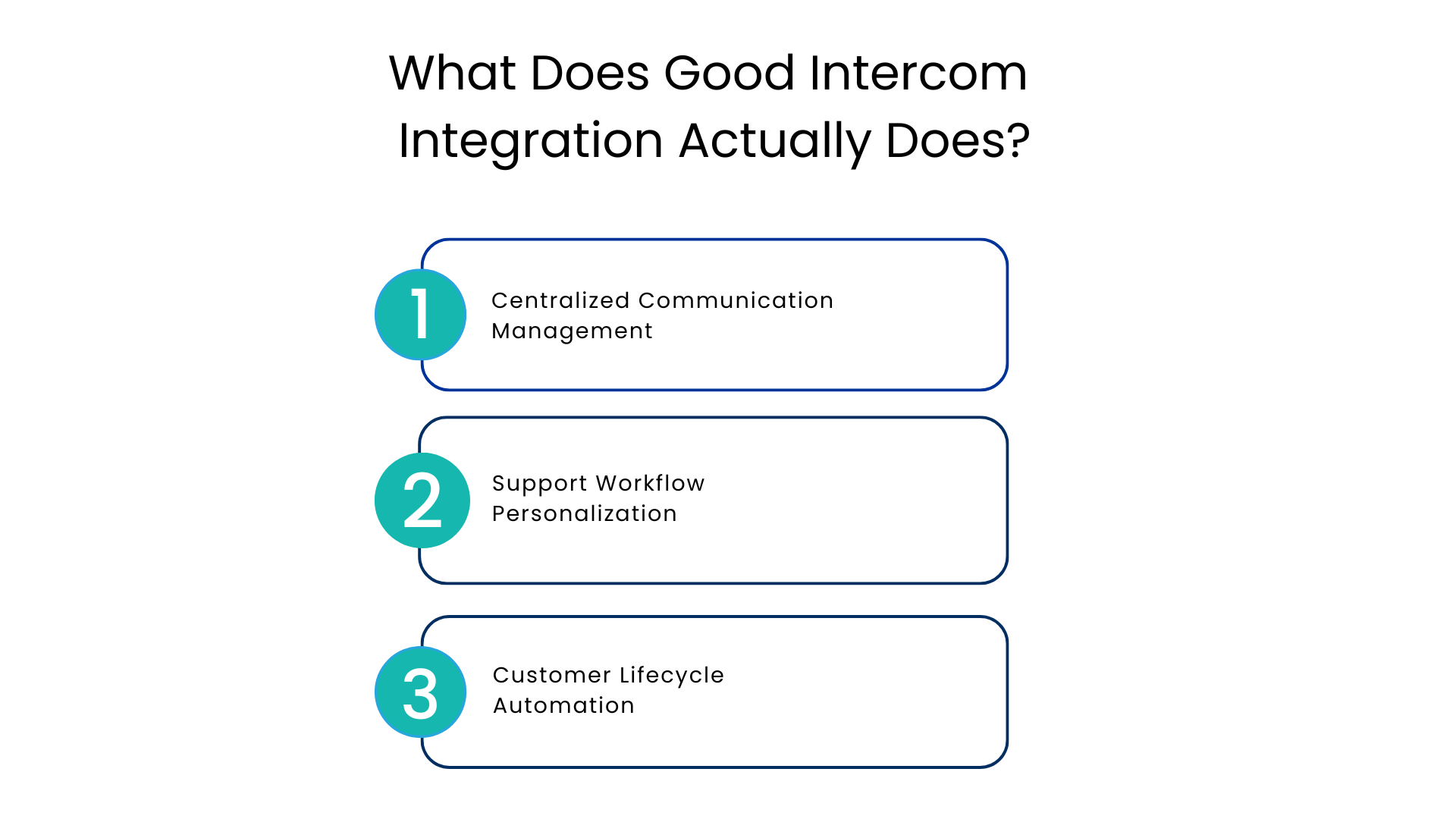
Centralized Communication Management
A properly constructed CRM for Intercom will ensure that each new message is delivered to the same inbox, whether that comes via live chat, email, social media, or any other communication platform. Your representative starts a chat and immediately knows who the customer is, their tier, the problems they’re having, their latest purchase, and the last time they spoke with them.
All of this information stops the need for a back-and-forth of “Can you please confirm your account details” in favor of “I know that you brought up this problem last week, and this is what happened.” This change is among the quickest ways to lower average response times.
Support Workflow Personalization
A connected system allows for the personalization of workflows. Rather than sending everything through the same channel or to the same person, you could set up conditions that route messages based on customer properties that exist within your CRM.
Examples include:
- Enterprise clients routed straight to a top-tier customer support agent
- Free trial users who have been using the service for seven days are given onboarding guidance
- Customers with a pending escalation ticket notified their account manager
- High-value customers automatically get prioritized access to the queue
The conditions would be set in place without any further action from your agents on a case-by-case basis. This ensures a more personalized experience even when there’s no change in how your team interacts with each customer.
Customer Lifecycle Automation
Retention efforts are more than just about problem solving. In order to effectively retain customers, you need to be involved in all stages of the customer lifecycle. With an intercom integration, this becomes easier as you’ll now have the ability to send proactive outreach during key touchpoints in the process, such as post-onboarding follow-up, reactivation campaigns for idle users, and after resolution of support tickets.
Connecting Intercom Across Your CRM Workflow
Intercom works best when it is not operating alone. Connecting it to Salesforce and extending it across additional messaging channels means your team handles every customer conversation from one place, with full CRM context attached to each one.
Communicat-O’s omnichannel Salesforce integration platform is built specifically for this setup. It brings conversations directly into Salesforce alongside every other channel, so a customer interaction that starts in Intercom and continues through another touchpoint stays linked to the same CRM record throughout.
Real-Time Support Without Platform Switching
When support agents receive and respond to messages inside their primary workspace, they stop losing time switching between apps. Replies go out faster, conversation history stays intact, and nothing slips through because someone forgot to check a separate inbox.
Retention-Focused Messaging
With CRM data connected, you can send automated messages when a customer’s engagement drops, when a renewal is approaching, or when a new feature is released that matches their usage profile. These messages reach customers through the channel they check most often, which means they actually get read.
The Case for Salesforce Intercom Integration
Almost every enterprise SaaS business relies on Salesforce to form the foundation of its CRM system. All information relating to sales pipelines, account information, contracts, and renewals is captured in Salesforce. The intercom solution captures all customer communications including support tickets, chat interactions, customer engagement, and product usage.
Without integration between Salesforce and Intercom solutions, the two independent systems will not interact. As a result, the salesperson would be clueless about the existence of any support ticket for the customer. The support representative would be unaware if the particular customer had any upcoming renewals. And the customer success specialist would be oblivious of the features used by the customer.
With Salesforce CRM Intercom Integration, this problem gets solved.
Benefits of Integrating Salesforce with Intercom
- Unified customer information: All Intercom conversations will be associated with the relevant account or contact in Salesforce. Any changes to the record made through one platform will automatically carry over to another.
- Sales-support collaboration: Salespeople can know if there are any open support tickets before getting in touch with the lead. Support personnel will have visibility into the sales cycle and know how much business there is at stake before addressing an issue.
- Automatic process automation: The closing of a deal in Salesforce can trigger an onboarding workflow in Intercom. Escalation of a support ticket can trigger creation of a task in Salesforce for the account manager.
- Effective reporting: Thanks to the data synchronization between the two platforms, it will be possible to build reports not only on sales, but on the complete customer journey.
McKinsey customer experience research showed that connecting data on service and sales results in noticeably higher customer satisfaction and lower churn compared to managing the processes independently.
Common Mistakes That Slow Down SaaS Support Teams
Understanding what goes wrong helps teams avoid the same pitfalls when building their Intercom CRM Integration.
- Intercom as an isolated tool: Without CRM integration, Intercom is nothing more than a chatting app. The full potential of the platform can only be unleashed when paired with relevant customer data.
- Routing conversations not taking into account CRM data: Routing each conversation to a generic inbox irrespective of what kind of account the user has created retention problems since high-potential clients will have to wait in the same queue as the low-potential ones.
- Not automating customer lifecycle events: Using Intercom as an interactive support tool for dealing with queries as they come without creating any automated workflows to deal with important lifecycle events such as re-engagement and onboarding is a missed opportunity for better retention.
- Overlooking preferred communication channels: Following up via emails on customers that mostly prefer using messaging apps such as Telegram and WhatsApp does no good.
Best Practices for Getting the Most From Your Setup
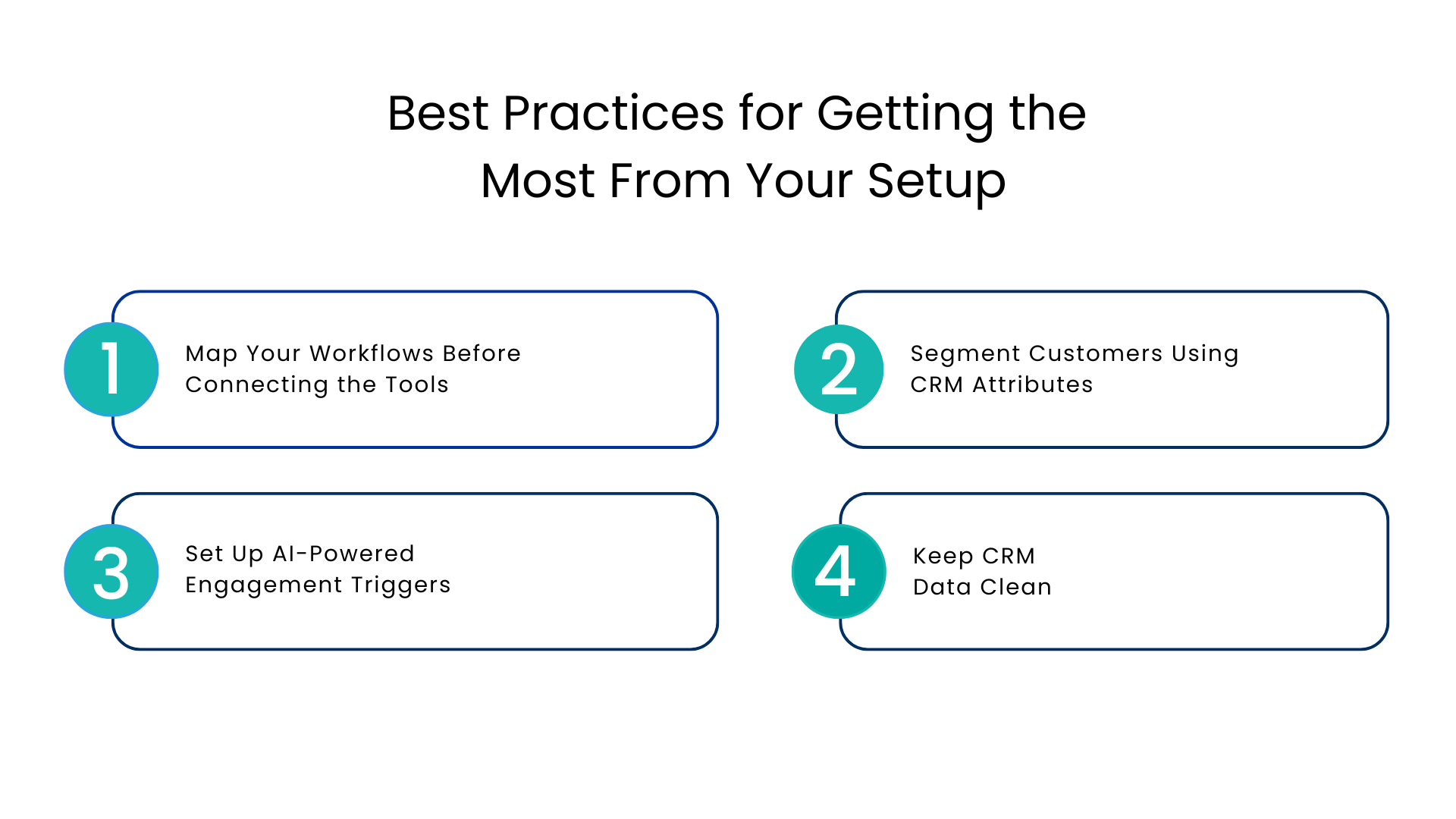
Map Your Workflows Before Connecting the Tools
Before you configure anything, document the customer journeys you want to support. Which CRM events should trigger messages in Intercom? Which conversations should create Salesforce tasks? A clear workflow map leads to better automation logic and avoids creating noise for your team.
Segment Customers Using CRM Attributes
Use Salesforce data to build segments based on account tier, product usage, lifecycle stage, and engagement score. Different segments need different conversations. A customer who has been active for three years needs different messaging than someone in their first week of a free trial.
Set Up AI-Powered Engagement Triggers
Modern setups support behavioral triggers that fire based on what customers do or stop doing. When a user stops logging in, when a key feature goes unused for two weeks, or when a help article is visited repeatedly, these are signals worth acting on. AI-driven triggers let you respond to those signals automatically and at scale.
Keep CRM Data Clean
Integration quality depends entirely on data quality. Duplicate records, outdated contact information, and missing engagement scores all lead to misdirected automation and impersonal messages. Build a regular data hygiene process into your CRM operations.
Conclusion
If your team is managing customer conversations across Salesforce, Intercom, and other channels without a unified integration layer, you are working harder than you need to and delivering a less consistent experience than your customers expect.
Communicat-O brings all of these tools together in one connected platform built for Salesforce. From live chat and automated messaging to WhatsApp, Telegram, and beyond, the platform is designed to help enterprise SaaS teams respond faster, personalize better, and retain more customers.
FAQs
Intercom Integration – what is it? And how does it cut down response times?
This is an integration that links Intercom’s messaging tool to your CRM and other communication channels. Support reps will be able to see customers’ context within every interaction, which means they won’t need to waste any time gathering information; they’ll just focus on solving the problem at hand.
How does Intercom Salesforce CRM Integration work?
Intercom Salesforce Integration creates a two-way synchronization of customer information across both systems. Intercom’s conversation info can be seen on Salesforce accounts, and CRM attributes are available within each message exchanged via Intercom.
Can this system be expanded to accommodate extra messaging channels?
Yes. Communicat-O extends this connection to cover WhatsApp, Telegram, LINE, SMS, and many other communication tools. All of their messages can pop up in one inbox integrated with Salesforce CRM accounts.
What are the most important automation workflows to set up?
The best automated triggers include onboarding triggers on the close of deals in Salesforce, re-engagement emails when users have not engaged for long periods, alerts that trigger task creation in Salesforce, and renewal notifications sent through preferred channels of customers.
How can I be sure that my data in CRM is sufficient to build an automation like that?
First, check for any duplicates, any missing details about the contacts, and any outdated engagement details in CRM. If your CRM is missing information about your account tiers, stages in the lifecycle, or usage of products, fill in those gaps before building automation.
What is the difference between a connected CRM system and a regular help desk solution?
The regular help desk ticketing system processes all received requests reactively. A connected Salesforce CRM with Intercom connects your chat to your entire customer data layer allowing you to communicate with the user proactively.
For more insights, updates, and expert tips, follow us on LinkedIn.