Can I keep my WhatsApp Business number when I switch provider?
19 November 20262 min read
Short answer
Yes. When you switch from another WhatsApp provider to Communicat-O, you keep your number: you connect it from your own Meta account, and our onboarding team does it with you at no cost. Customers keep messaging the number they already have saved. Your message templates are submitted again for Meta's approval, and our team does that for you.
Who this is for
Businesses already on the WhatsApp Business Platform through another provider who want to change provider without changing the number on their ads, website and packaging.
On this page
Step by step
- Check your access in Meta Business Suite
Make sure you have admin access to the business portfolio that holds your WhatsApp account and number. You connect the number from there.
- Book your onboarding
Request a free trial or book a call. Onboarding is free.
- Connect your number
On a call with our team, you sign in to Meta's sign-up screen and choose your existing WhatsApp account and number. Nothing needs doing at your old provider yet.
- Resubmit your templates
Our team submits your message templates again under your Communicat-O account. Meta usually decides within 24 hours. Then import your contact list.
- Switch your team over
Invite your agents, set up routing and switch on your first EngageX bot. Keep your old plan until messages arrive in Communicat-O.
What comes with you
- Your WhatsApp number and display name, so customers see no change
- Your contact list, which you import
Your message templates are submitted again for Meta's approval under your new account, and our team does that for you. Past conversations stay with your old provider, so ask them for an export before you cancel.
Before you cancel your old provider
Wait until messages are arriving in Communicat-O, then cancel. That way no customer message is missed during the switch.
Frequently asked questions
Will my customers notice the switch?
No. They keep messaging the same number, and your team replies from it.
Do I have to get my templates approved again?
Yes. They are submitted again under your new account, and our team does that for you. Meta usually decides within 24 hours, so do this before you switch your team over.
What about my chat history?
Past conversations stay with your old provider. Ask them for an export before you cancel.
Does switching cost anything?
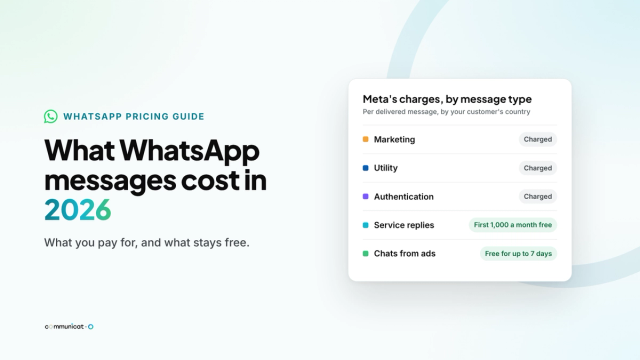
Onboarding is free. You pay your Communicat-O plan and Meta's message charges, as you do today with any provider; see pricing.
Can I try Communicat-O first?
Yes. Request a 14-day free trial and we set it up within one business day; onboarding is free.
For more insights, updates and expert tips, follow us on LinkedIn.
 Chat on WhatsApp