
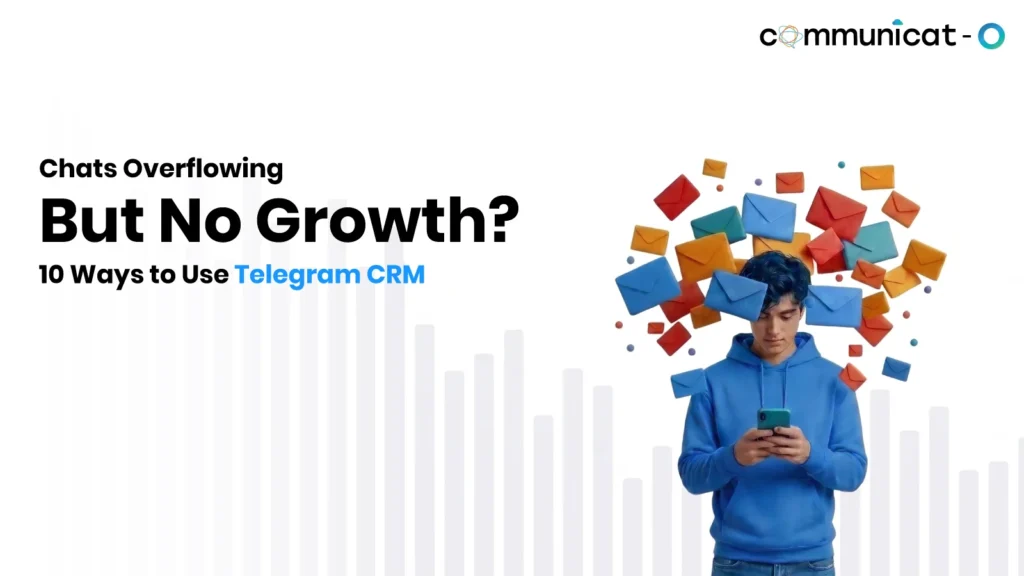
It starts with a few Telegram messages a day. Then a campaign goes out, forty enquiries arrive overnight, and replies slip into the next afternoon. A Telegram bot CRM for business setup prevents this by tying every chat to a customer record and a clear owner.
A bot alone can greet people and collect details, but it does not log conversations, assign owners or report on results. Connecting it to a CRM such as Salesforce fills those gaps. These ten tips cover lead capture, human handoffs and volume planning, so your Telegram bot CRM for business keeps up as you grow.
10 Practical Ways to Get Your Telegram Setup Ready for Growth
1. Connect Every Conversation to a CRM Record
This conversation on Telegram is only visible to those in Telegram. Connect each conversation to a lead/contact so that all previous interactions and conversation history are in one place. With your Telegram conversations linked to Salesforce records, your team will know who talked to your customers last.
Takeaway: if it is not on a record, the team cannot see it.
2. Automate Lead Capture and Qualification
The bot can ask a few questions like name, telephone, service required, and type of inquiry. The responses can be fed into the CRM software as a lead. The sales team can then filter the leads according to the type of inquiry and give priority to the appropriate inquiries. Lead generation is contingent on the way the integration is set up.
For example, a coaching centre can tag each enquiry as admissions, fees or demo class, so the right counsellor gets it. If you want to see why a bot alone is not enough, start with what happens to this data after the chat ends.
3. Build Follow-Ups Around Customer Actions
Create workflow tasks which depend on the actions of the customer:
- Inquiry received: Create a task for the owner
- Demo booked: Set a reminder one day before
- Request quotation: Notify the sales manager
- No response within two days: Send a light reminder
Revise the wording of these reminders every three months to keep them interesting. Assign each task an owner and a due date to avoid automation spamming tasks.
4. Segment Customers Before You Send Anything
Organize groups based on customer interests, location, or phase through the use of CRM data. Customers receive reminders for renewals, warm leads receive notifications about the product launch, and only affected parties receive notifications about any outage. Segmentation will ensure that bulk messages remain relevant to the users, thus reducing chances of muting your bot. For example, a clinic can notify its patients having appointments tomorrow instead of everyone on the contact list.
5. Bring Conversations Into One Shared Inbox
Transferring from Telegram to the CRM system results in lost time and context switching. The shared inbox displays all the chats, along with their owner and status, in one window. You should be looking for a feature that enables managers to see which chats have not been answered. For example, a morning look at the chats that have not been answered for more than an hour.
6. Set Clear Rules for Human Handoffs
Choose in advance when the bot gives way:
- Grievances and money-back disputes
- Price haggling
- Complex technical queries not answered by the FAQ
And direct them to the relevant individual, such as directing billing-related questions to the billing department, and tell them that an operator will join in the chat. “A simple statement of “I will connect you to our billing department” is all you need.”
7. Create Reusable Replies Without Sounding Robotic
Saved replies and AI-suggested responses help teams answer common questions faster. Where supported, AI summaries also help a new rep catch up on a long thread. A person should still review sensitive replies and add the customer’s name or earlier context. A Claudeforce Implementation, which would bring Claude’s reasoning to CRM conversations, is still under development, so treat it as a direction to watch, not a feature to plan around today.
8. Track Performance Beyond Message Volume
Message counts show activity, not results. Track these instead:
- Enquiries received and first-response time
- Unanswered conversations
- Follow-up completion
- Conversion rate by campaign and by representative
Using CRM reports, you might realize that one campaign has generated less chat but more bookings. It is the figure to consider when deciding on the budget to allocate. Consider such statistics weekly but not per day.
9. Plan for Growing Volumes Before They Arrive
Telegram’s bot FAQ advises against more than one message per second in a single chat. Groups are limited to 20 messages per minute, and bulk notifications top out near 30 messages per second unless paid broadcasts are enabled. Going over brings 429 errors, and Telegram suggests spreading broadcasts over longer intervals, such as eight to twelve hours.
- Use queueing for messaging and distribute big campaigns over a few hours
- Retry unsuccessful deliveries with a delay
- Make sure that the CRM synchronization is timely to keep the data current during busy times
- Balance the team with the volume of chats
Run a small test with a few hundred sample messages before any big campaign. When you compare Telegram chatbot software for businesses, ask how it handles queues and retries.
10. Keep Permissions, Data and Workflows Tidy
Give the agents access to only what they need to do their jobs. The agents have access to their own conversations, while managers can see their team reports, and admins can manage work flows. Since the conversation data is stored on Salesforce, the security measures that come with the role will work. Save names and phone numbers in one format so as not to repeat them, assign ownership of each conversation to one person.
What Changes When Telegram and CRM Work Together?
| Area | Standalone Telegram Bot | CRM-Connected Telegram Setup |
| Lead information | Collected in conversations | Linked to customer records |
| Conversation history | Managed within Telegram | Available alongside CRM context |
| Follow-ups | Often handled manually | Can be connected to CRM workflows |
| Team collaboration | Depends on available access and tools | Shared ownership and assignment |
| Customer targeting | Based on available bot information | Can use CRM customer segments |
| Reporting | Limited to available bot metrics | Can combine messaging and CRM data |
Some standalone bots cover part of this, and not every integration delivers all of it automatically. Check each row against your needs.
What to Check Before Scaling Your Telegram and CRM Setup
Before you scale a Telegram bot CRM for business, or buy or build a Telegram CRM Bot, test these points with real conversations:
- Compatibility with CRM: Is it compatible with your Salesforce edition and custom fields?
- Accuracy of sync: Are leads and customers synced accurately, without duplication?
- Handoffs from bots to humans: Can the chat get handed off to a human with context?
- Inbox and assignment: Can managers assign chats and see response status?
- Telegram restrictions: Does it queue and resend within the above restrictions?
- Access restrictions: Can you limit access to some chats and information?
- Report generation: Can you track time taken and performance per campaign?
- Future requirements: Will a Telegram integration also include other channels in the future?
Conclusion
A Telegram bot CRM for business works best when conversations, customer records, automation and team workflows connect. Leads get captured, follow-ups happen on time, and managers see what is working, so customers get faster, clearer replies.
Begin with baby steps. Evaluate your existing infrastructure, choose the first two tasks that need automation, for example, lead generation and reminder, and try it out in live chat interactions before scaling it. Once you’re ready, consider a good Telegram CRM solution or ask for a demo.
FAQs
What is Telegram bot CRM for business?
It is a Telegram bot integrated with a CRM, where chats, leads information and follow-ups are recorded against client records rather than being kept in Telegram. The bot makes the first contact, while the CRM takes care of ownership, history and reporting.
How does Telegram integration with Salesforce work?
There is a connector between your Telegram bot and Salesforce, which means that messages will be associated with leads and contacts in the system. Your team will be able to respond, delegate chats and see the history from the single screen. It depends on the solution you use.
Does Telegram bot automatically capture and qualify business leads?
The bot may ask a set of questions and receive answers. Creating CRM leads and scoring them will depend on how your integration is configured; nevertheless, there needs to be a person reviewing promising inquiries before moving to the next step.
Is Telegram chatbot software for businesses capable of handling high volume of messages?
Yes, but only when it is properly planned. Telegram restricts bulk sending of messages by default up to 30 messages per second, therefore, you need to schedule messages and spread your campaigns over while ensuring that enough team members can handle the responses.
For more insights, updates, and expert tips, follow us on LinkedIn.