


Customer expectations have shifted a lot. Now, buyers do their own research and connect through various platforms. They want each interaction to be on point smart, smooth, and easy. If they call somewhere, they don’t want to keep repeating info. The caller on the other line should already know them, get what they need, and remember where stuff was before.
The gap between what’s expected and what actually happens is still pretty big at most companies. Sales reps have to hop between a softphone and a CRM, writing notes manually after each call. Service agents need to look up accounts while the caller waits. Managers listen to call recordings only to find that the moment for making decisions has already passed. These aren’t small issues; they pile up into lost sales, fleeing customers, and hindered growth.
Phone integration CRM solves this by linking the phone straight to the CRM. This way, call data, contact info, and conversation history all stay in one place. The system does more than just logging calls; it uses AI call smarts to actually understand them too.
Understanding the Meaning of Phone CRM Integration
Phone integration CRM connects a business phone system with a CRM platform. It doesn’t treat calls as standalone; instead, it integrates them into customer records. So calls get logged automatically, and customer info appears during the conversations. You can even set up follow-ups without lifting a finger for manual entry.
How Does Traditional Phone CRM Integration Work?
In a traditional setup, the phone system and CRM operate separately. So, a sales rep will use a desk phone or a standalone softphone app to make calls, then turn to the CRM to log those calls by hand. Often, notes are jotted down from memory, and call durations are guessed at. Also, contact records are updated only when the rep remembers to do it.
This method leads to inconsistent data quality and hampers post-call processes. Plus, it’s hard for managers to track communication accurately. If a customer calls again, and gets a different rep, odds are there’s no dependable record of past conversations.
How Does Modern VoIP Change This Scenario?
Now, modern VoIP integration changes everything. It links cloud-based phone systems right into the CRM, cutting out the need for manual tasks. As soon as a call comes in, the customer’s info appears automatically. The conversation gets logged in real time, and the best part? Voicemails, call recordings, and summaries are added to the contact record with zero effort from the rep.
Consider a B2B software company where a prospect calls about a pricing inquiry. With VoIP integration with CRM in place, the rep sees the prospect’s industry, deal stage, and previous conversations before saying hello. After the call, the CRM is updated automatically. The next rep who speaks with that prospect walks in fully prepared. That is the difference context makes.
Why AI Call Intelligence Is Reshaping Customer Conversations
VoIP integration with CRM manages call data, while AI understands the content. It sifts through recordings or transcripts to pull out insights super quick, which would otherwise keep humans busy for ages.
Real Time Call Insights
During calls, AI picks up info right away and offers advice. If an agent is dealing with an upset customer, real-time updates show when the customer gets frustrated. This lets the agent change their approach to avoid things from getting worse.
Automatic Call Summary
Each call leads to an automatic summary chock full of key points, to-do’s, and follow-ups. Agents don’t need to stop to jot down notes anymore. In fact, teams racking up 50 calls a day bank some serious time to focus on selling instead.
Sentiment Analysis and Customer Intent Detection
Sentiment analysis checks out the emotional tone of a chat, while intent detection figures out what a customer will probably do next. If a customer is frustrated and inquires about canceling, they’re showing they might leave. On the flip side, if a prospect constantly talks about costs, they’re hinting at being ready to buy. AI spots these hints instantly, letting teams react right away instead of finding out later during some post-deal review.
5 Ways Phone Integration CRM Improves Business Performance
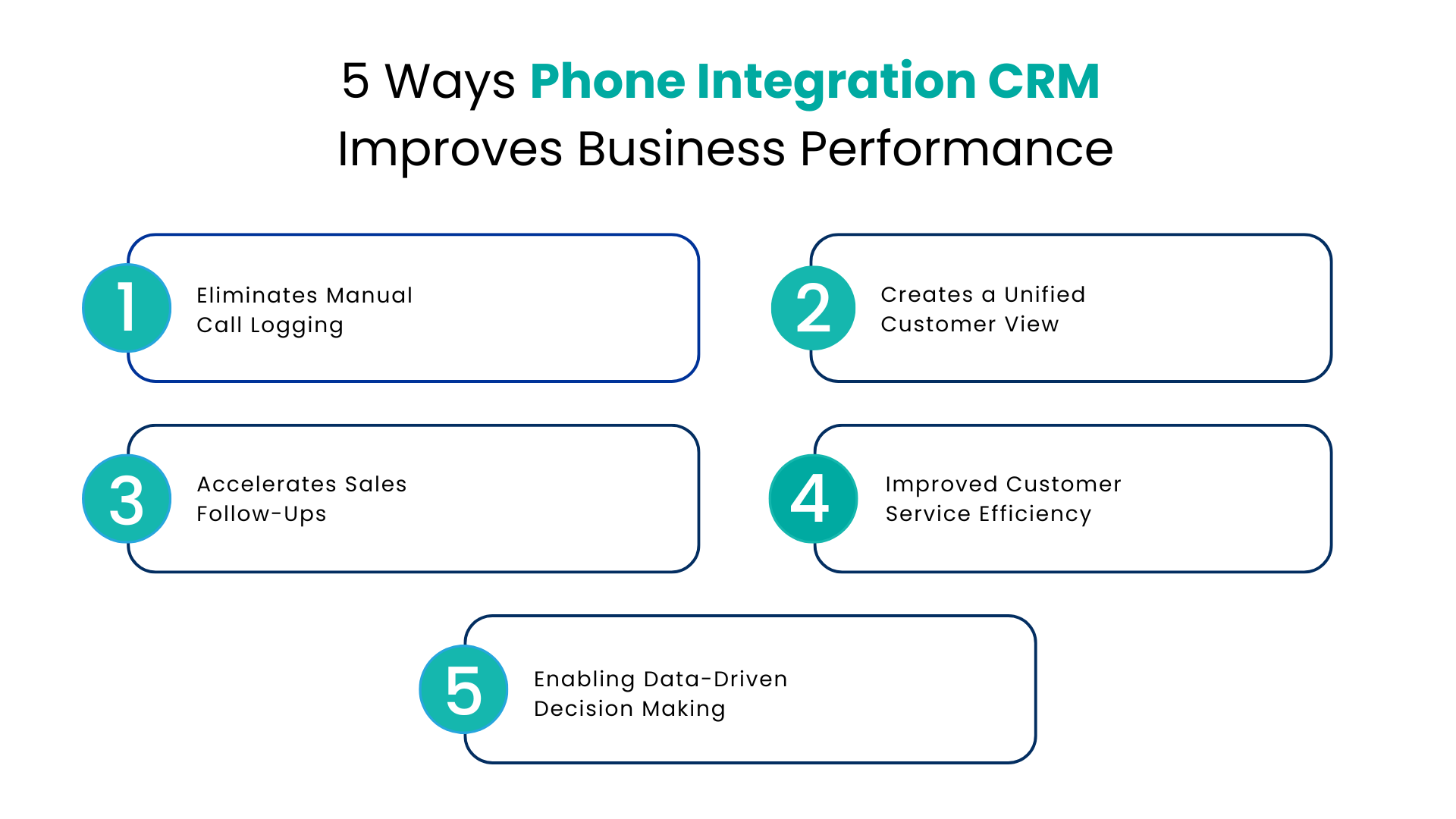
Eliminates Manual Call Logging
Manual logging is one of the highest-friction tasks in a sales or service workflow. Studies consistently show that sales reps spend a significant portion of their day on administrative tasks rather than customer conversations. Automated call logging removes this burden entirely. Every call is captured, categorized, and added to the CRM record without human input.
Creates a Unified Customer View
When calls are integrated alongside email threads, chat histories, and support tickets, every team member sees the complete customer journey. A customer success manager reviewing an account before a renewal call can see the full history of support calls, product questions, and upsell conversations without contacting three different departments.
Accelerates Sales Follow-Ups
Timing is critical in sales. A lead who expresses interest on a Tuesday and does not hear back until Friday has already moved on. Automated follow-up triggers, powered by call data, ensure that high-intent conversations are acted on immediately. The CRM can automatically assign tasks, schedule reminders, or trigger email sequences based on what was said during the call.
Improved Customer Service Efficiency
For support teams, call data is a goldmine. It reveals product issues through recurring call topics and uncovers training gaps via average handle time trends. Also, tracking first-call resolution rates against call content shows which problems get solved right away and which don’t.
Enabling Data-Driven Decision Making
Using calls in the CRM record makes all this analysis possible. Managers, though, are just flying blind if they depend on anecdotals from reps. With call analytics built into the CRM, leaders get actual numbers. They see daily call volumes, rates converting calls to opportunities, and which sales pitches work best. These insights really help with coaching, hiring, and overall strategy.
The Role of VoIP Integration with CRM in Omnichannel Engagement
Phone calls are one channel among many. Customers message on WhatsApp before calling, send an email after, and may engage on SMS in between. A business that treats each of these touchpoints as separate interactions provides a fragmented experience. VoIP integration with CRM is most powerful when it is part of a broader omnichannel communication strategy.
Connecting Calls, SMS, WhatsApp, and CRM Data
When voice, SMS, and social messaging channels are all connected to the same CRM record, every interaction enriches the customer profile. A customer who sent a WhatsApp message last week and is calling today should not have to re-explain their situation. The agent sees the full thread, including the WhatsApp exchange, before the call connects. This is the foundation of genuine omnichannel customer communication.
Building Consistent Customer Experiences
Consistency builds trust. When every team member, across every channel, has access to the same customer history, the experience feels coherent. There are no gaps, no contradictions, and no moments where a customer feels like a stranger to a company they have been doing business with for three years.
Conclusion
Phone integration with CRM isn’t just nice to have anymore; it’s essential for serious customer engagement. With this setup, each call is connected to a company’s CRM data, making those chats more than just quick transactions they become valuable assets. Add in AI call intelligence, and suddenly these calls provide tons of insights too.
The real winners are companies that tie all their communication channels like voice, SMS, and WhatsApp into one system linked with their CRM. This way, they understand calls, resolve issues quicker, and improve customer relationships over time. If your business logs calls manually or separates its phone system from data, you’re behind the times. Today, customers demand smooth, hassle-free experiences, and old-school tools don’t cut it anymore.
FAQs
What is phone integration CRM & how does this work?
Phone integration CRM connects business phone or VoIP systems straight to a CRM tool, like Salesforce. When a call comes in or goes out, all the customer info appears automatically. So reps don’t have to log calls themselves; it happens automatically. Tasks for follow-ups also get created based on the call outcomes. This means you always have a detailed record for each contact and opportunity.
What sets VoIP integration apart from just basic call logging?
Well, in basic logging, a rep has to write down the duration, results, and next steps manually themselves. With VoIP integrated CRM, all that gets handled automatically. Not only that, but calls connect right through the CRM; details update in real time, and AI even makes a summary. Plus, you’ve got features like screen pops, click-to-dial, and real-time analytics stuff that manual logging could never do.
How does AI call intelligence improve sales performance?
AI uses conversation transcripts and audio to spot talk patterns, mood changes, and buying hints. It then shares this info with managers and reps, letting them act faster on the insights. Teams can see which messages work, find common issues, and figure out why deals fall through. So coaching gets smarter, follow-ups become quicker, and closing deals becomes easier.
Is the Salesforce CRM Phone Integration setup easy?
No way. When using Salesforce-native platforms from the AppExchange, it doesn’t require much custom coding. These systems hook up to your leads, contacts, and opportunities in Salesforce directly, without any extra middleware. To set it up, all you do is enable the integration, match call fields to your sales force records, and create some auto-rule setups. Typically, teams get rolling smoothly in just a few days, not even weeks.
Can phone integration CRM support WhatsApp and SMS in addition to voice calls?
Yes. Today’s modern unified comm platforms connect voice, SMS, WhatsApp, and other messaging channels to the same CRM record. This way, a customer’s entire interaction history is visible to every team member, no matter the channel. These platforms make it so you don’t have to switch between apps, and nothing slips through the cracks.
For more insights, updates, and expert tips, follow us on LinkedIn.