


WhatsApp has become one of the most active lead channels for businesses across the globe. Here, the prospects message directly, response expectations are high, and the volume for businesses running any kind of active marketing, can be significant.
But here’s what most businesses eventually run into: the leads are coming in, the conversations are happening, and the revenue isn’t moving the way the activity suggests it should. The WhatsApp Business account inbox is busy. The pipeline is not.
The disconnect isn’t the channel. WhatsApp is an exceptional place to start a conversation with a potential or an already existing customer.
The disconnect is what happens or more accurately, what doesn’t happen after that conversation starts.
CRM does not have any sort of clue about what is happening in the chat box of WhatsApp, the follow-up sequence is hollow, and the managers don’t have 100% visibility into the workflows. The connection that should be there between what was said in the chat and what’s actually happening in the deal is not there at all.
WhatsApp integration with Salesforce server closes that gap. Not by adding another tool to an already complicated stack, but by connecting the place where customers talk to the place where business gets managed, so nothing falls between them.
With the help of a trusted platform, businesses can connect their CRM with WhatsApp platform in a way that no leads are missed, customers get what they want, and revenue does not stay flat.
Why WhatsApp Leads Behave Differently and Why That Makes Management Harder
WhatsApp isn’t a form submission or an email inquiry. It’s a conversation which is easy-going, informal, fast, and expectation heavy.
A prospect who messages a business expects a response in minutes, not hours. They’re already in a buying mindset. They chose to reach out directly, which means the intent level is usually higher than a passive inquiry through a website contact form.
That’s the opportunity. Here’s the operational problem.
When WhatsApp runs as a standalone channel, disconnected from the salesforce CRM, every one of those conversations is invisible to the business once the chat closes.
- There’s no record attached to a contact.
- There’s no deal stage updated.
- There’s no task created for follow-up.
- The agent who handled the chat might remember to log something, or they might not.
Either way, the information lives on a phone, not in a system.
Whatsapp integration with salesforce server solves this at the infrastructure level, not by asking agents to do more, but by making the system do what agents shouldn’t have to remember to do manually.
What Actually Goes Wrong Without WhatsApp CRM Integration?
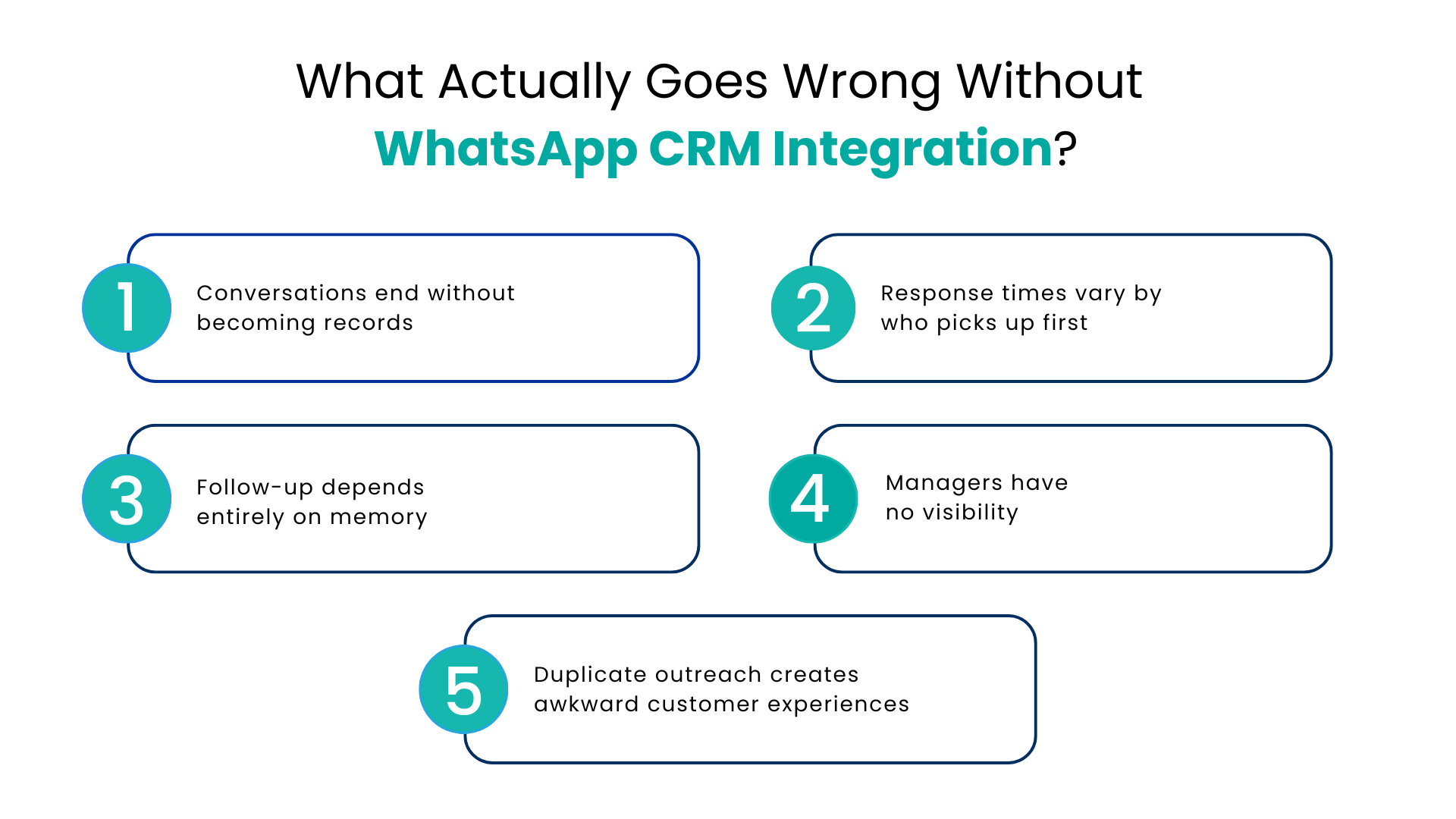
Most businesses don’t realize how much the disconnection is costing them because the losses are distributed across dozens of small failures rather than one visible breakdown. Here’s what that looks like in practice:
Conversations end without becoming records
A prospect chats for ten minutes, asks three serious questions, and then the conversation closes. Nothing gets logged. The next time they reach out or the next time the agent tries to follow up, there’s no history to work from. The relationship starts from zero every single time.
Response times vary by who picks up first
Without routing logic connected to the CRM, WhatsApp conversations go to whoever happens to be available or whoever checks the phone first.
Some leads get a response in three minutes. Others wait two hours. The experience is completely inconsistent, and in a channel where speed is part of the value proposition, this inconsistency costs conversions.
Follow-up depends entirely on memory
No automated sequence kicks off after a WhatsApp conversation. No task gets created. No reminder fires at the right time. The agent has to remember and across a full day of conversations, memory is not a reliable system.
Managers have no visibility
There’s no way to track how many WhatsApp leads came in, how quickly they were responded to, which ones converted, or which agents are performing well on the channel. Decisions about resourcing, training, and channel investment get made without the data that would make them good decisions.
Duplicate outreach creates awkward customer experiences
Two agents message the same contact because neither knew the other had already been in touch. The customer notices. It signals that the business doesn’t have its systems together — which is exactly the wrong impression to give someone who is deciding whether to trust you with a significant purchase.
How WhatsApp Integration with Salesforce Actually Works
The mechanics matter here because understanding them makes it clear why this is a structural fix, not just a productivity tip.
1. All Messages Are Automatically Entered into Salesforce
Once WhatsApp integration with Salesforce server has been set up using trustworthy systems such as Communicat-O, all incoming and outgoing messages will be automatically logged via the CRM without any manual intervention required.
Upon receipt of a new message from a contact for the first time, the system will check whether the number in question is already present in Salesforce, and then attach the message to the existing record, or create a new one if it isn’t.
2. The Full Customer Picture Sits Next to Every Chat
From that point, the omnichannel CRM WhatsApp logic takes over. The conversation is visible inside Salesforce alongside every other touchpoint; previous emails, calls, past chats, deal notes, open tickets.
An agent picking up the conversation doesn’t need to ask what happened before. A manager reviewing pipeline health sees WhatsApp activity alongside everything else without switching tools or asking agents to self-report.
3. Seamless Routing Happens by Rules, Not by Chance
Incoming inquiries, complaints, tickets, and queries get assigned based on geography, language, product line, agent availability, or any other logic the business defines.
No message sits unassigned waiting for someone to notice it. The right conversation reaches the right agent automatically every time, not just when someone happens to be watching the inbox.
4. CRM Workflows Trigger from What Customers Say
A prospect asking about pricing gets a task created for follow-up. A message confirming interest moves the deal stage forward. A specific keyword enrolls the contact in a nurture sequence. The CRM responds to what’s being said in WhatsApp in real time, not to what agents remember to log after the conversation ends.
This is what a proper WhatsApp business CRM integration looks like, not a notification that a message arrived, but a fully connected system where every conversation drives pipeline movement automatically. What’s happening on WhatsApp and what’s showing in Salesforce are the same thing, always.
Communicat-O is built as a WhatsApp communication CRM solution that sits between WhatsApp Business API and Salesforce, handling the connection, the routing, the automation, and the reporting in a way that fits how sales and support teams actually work.
WhatsApp CRM software that handles the full loop; capture, routing, automation, follow-up, and reporting is what separates a business managing WhatsApp reactively from one using it as a genuine revenue channel.
Conclusion
WhatsApp is already where your customers are. The volume of leads coming through it isn’t the problem and more leads without a better process just means more revenue sitting untouched in an inbox.
The businesses converting WhatsApp activity into consistent revenue aren’t responding faster by working harder. They’ve connected the channel to the system, so every conversation creates a record, every follow-up happens on time, and every manager can see exactly what’s moving and what isn’t.
WhatsApp integration with Salesforce server through Communicat-O is how that connection gets built. Properly configured, it turns WhatsApp from a busy inbox into a fully tracked, fully automated, fully visible part of your revenue operation. The leads were always there. Now the process catches them.
If your WhatsApp activity and your revenue numbers don’t match, that gap has a fix. Let’s talk about it. Book a Demo with Communicat-O.
FAQs
Does Communicat-O work with the standard WhatsApp Business app or does it require the API?
Communicat-O connects through the WhatsApp Business API, which is designed for businesses handling significant message volumes across teams. The API enables shared inboxes, CRM integration, automated routing, and broadcast messaging, none of which are available in the standard WhatsApp Business app. Setup is handled during onboarding.
Will our agents need to switch to a new tool for their daily work?
No. Communicat-O brings WhatsApp conversations into a shared inbox that sits alongside the Salesforce CRM record, so agents work from one place instead of switching between WhatsApp and the CRM. The goal is to reduce the number of tools in the workflow, not add to it.
Can Communicat-O handle WhatsApp conversations in multiple languages?
Yes. The platform supports multilingual conversations, and routing rules can be configured by language, so messages go to the agent best positioned to handle them. CRM records update accurately regardless of the language the conversation happened in.
How is customer data from WhatsApp protected?
All message data is encrypted, access is role-based, and every CRM action triggered by a WhatsApp conversation is logged. Communicat-O meets data protection requirements across the markets it operates in.
For more insights, updates, and expert tips, follow us on LinkedIn.