


Most CTI Integration conversations start and end with one feature: click to call. A sales rep clicks a phone number in the CRM, the call connects, and everyone moves on. That is the demo. It is rarely the whole story.
The real value shows up after the call connects, in what the CRM does with that conversation. Buyers evaluating CTI Integration Salesforce projects often spend weeks comparing dialers and call quality, then barely glance at the capabilities that actually change how a team works day to day.
Why Click to Call Is Only the Beginning
Think of a support agent dealing with phone calls back-to-back from morning till afternoon. Click to call connects them instantly. However, the second one is where the real trouble starts: finding the correct account, looking through previous email con
versations, making the customer repeat all the information they’ve already told someone else last week.
The telephony platform, however, can solve both these problems, not just the latter one. This is the part where the buyers often underestimate the value during evaluation, since it’s more difficult to demonstrate than a simple dial pad.
The Screen Pop That Changes the First Ten Seconds
The incoming caller should appear on the screen of the agent along with details of the purchases, the case number and also what the previous discussion was all about. This is intelligent screen pop, and this takes care of the most awkward opening phrase that is commonly heard – “Could you remind me who you are?”
Teams that skip this step lose time on every single call, not just the difficult ones. Multiply a few wasted seconds across hundreds of daily calls and the cost adds up fast.
When Every Customer Conversation Lives Inside Your CRM
Automatic call logging sounds like a small convenience. In practice, it is the difference between a CRM that reflects reality and one that reflects whatever an agent remembered to type after hanging up.
With connected calling, every call detail, including duration, outcome, and notes, lands in the record automatically. Nobody has to choose between finishing paperwork and taking the next call.
This is more important than one might realize. An industry survey conducted among contact center leaders for 2026 found that integration problems are among the top barriers to having consistent interactions with customers, cited by nearly four out of ten executives. Automated logging provides exactly that consistency with phone conversations.
Real Time Sync That Keeps Everyone Honest
Real-time CRM synchronization means a manager reviewing a deal at 2pm sees the call that happened at 1:45pm, not a stale record from last week. For sales leaders coaching at the moment, that lag matters. Waiting until the end of day to see what actually happened on a call defeats the purpose of coaching at all.
The CRM Capabilities That Quietly Improve Team Performance
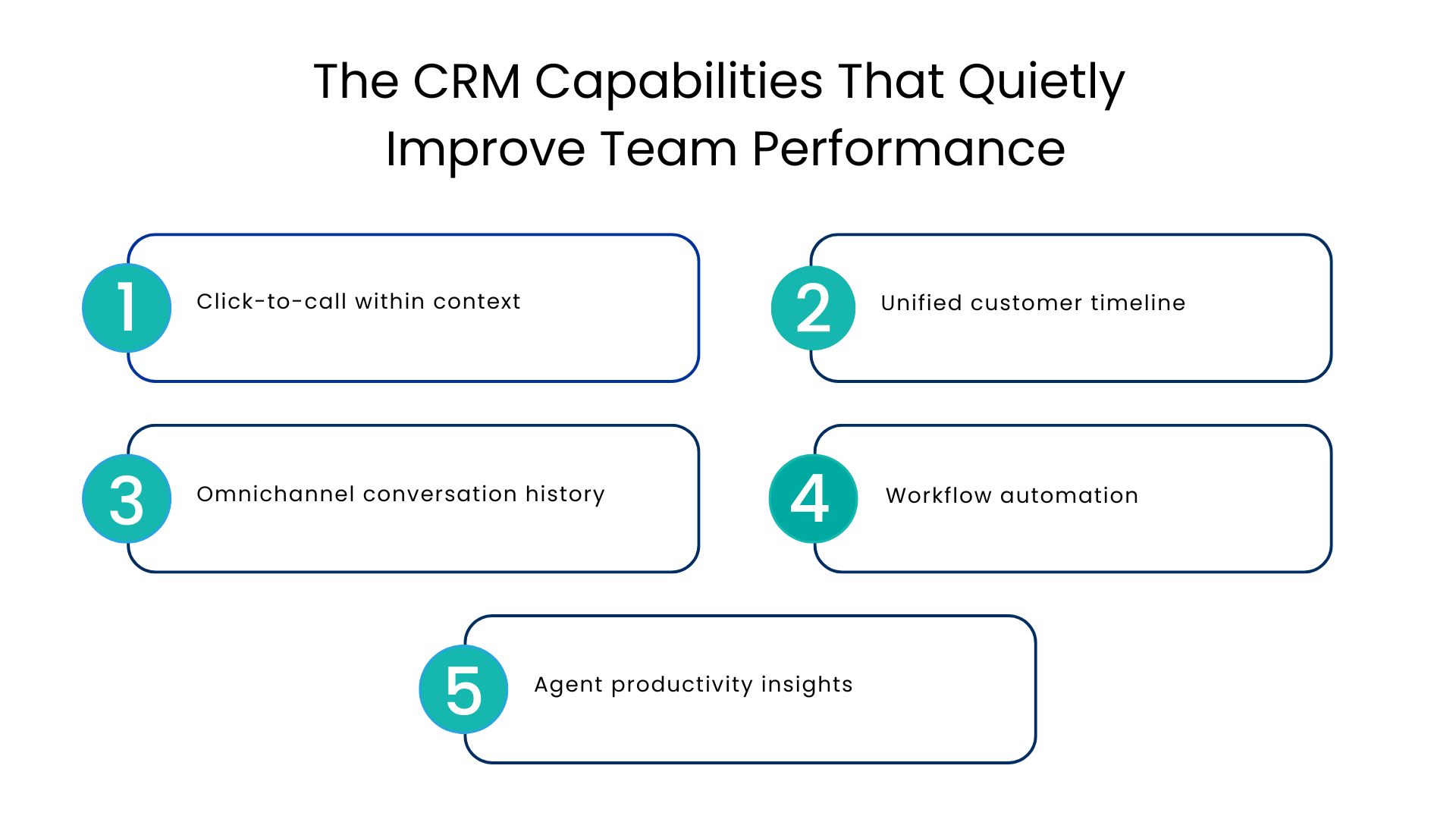
Beyond logging and screen pops, a handful of capabilities shape whether a CRM feels like a helpful assistant or an extra chore.
Click-to-call within context: Calling out of the record, as opposed to a call app, ensures the call is associated with the correct account, contact, and opportunity from the very beginning. There’s no need for manual associations after the call ends.
Unified customer timeline: All communication records can be seen in one scrollable history with all calls, emails, chats, and cases. This is how CTI Integration CRM configurations pay off – the telephony system becomes just one of the channels of the conversation visible to everyone.
Omnichannel conversation history: It’s rare when the customer uses only one channel to contact the company. The customer may message via WhatsApp, make a call, and then write an email. A platform that retains the history of all conversations will save time for the agent as the customer won’t have to repeat the information that he or she has already provided elsewhere.
Workflow automation: After a call ends, routine tasks like creating a follow-up task, updating a case status, or notifying a manager can trigger automatically based on how the call was tagged. This is less exciting than a dial pad, but it is often what actually saves an agent’s afternoon.
Agent productivity insights: Call volume, average handle time, and outcome trends, viewed at the team level, help managers spot coaching opportunities before they show up in customer complaints.
Where Buyers Often Miss the Bigger Picture
Here is a scenario that plays out often: a company buys a CTI Solutions for Salesforce package, gets click to call working in a week, and declares the project done. Six months later, agents are still manually copying call notes into cases, managers still cannot see call outcomes without pulling a separate report, and nobody remembers why call routing sends certain customers to the wrong team.
None of that is a telephony problem. It is a CRM workflow problem that a phone system alone cannot fix.
CRM Driven Call Routing
To route calls according to the department or the skills of the agent seems to be a feature of the service itself. This is actually a data challenge. A dynamic routing approach that depends on CRM fields such as tier of account, product family, or type of open cases will ensure that the call gets to the right person automatically.
The table below shows how this plays out across a few common scenarios.
| Capability | Basic Telephony Setup | CRM-Integrated Telephony |
| Call answering | Connects the call | Connects the call with full customer context visible |
| Call notes | Typed manually after the call | Logged automatically with call metadata |
| Routing logic | Fixed queue or IVR menu | Based on live CRM data like account tier or case type |
| Reporting | Separate phone system dashboard | Call data tied directly to customer and deal records |
| Follow-up tasks | Agent remembers to create them | Triggered automatically based on call outcome |
| Cross-channel history | Calls tracked separately from chat and email | One connected timeline across channels |
Looking Beyond Basic Telephony
Reporting and analytics tied to customer interactions is the capability that turns call data into something a leadership team can actually act on. Instead of asking “how many calls did we take,” the better question becomes “which calls led to renewals, and what did those calls have in common?”
This can be answered only when the call data is sitting right alongside the deal, case, and customer data, rather than in its own telephony report that no one looks at after the first week.
Research done in the contact center industry confirms this. According to industry benchmarking done in 2026, the typical contact center operates using four distinct technology applications, with a tiny percentage using just one integrated solution. This is the very thing that telephony integrated with CRM is meant to address.
Conclusion
CTI integration and Phone preference has not gone away. Recent survey data shows most customers still prefer calling over any other support channel, even as chat and messaging usage grows. That makes voice too important to treat as an afterthought bolted onto a CRM.
A few questions are worth asking before signing a contract:
- Does the platform log calls automatically, or does it depend on agents remembering to do it?
- Can routing rules pull from live CRM fields, or only from a fixed queue structure?
- Is call history visible alongside chat, email, and messaging history, or kept in a separate tab?
- Do managers get interaction reporting without exporting data into a spreadsheet first?
- Can the platform grow into new CRM integrations and channels, like messaging apps, without a second implementation project?
Salesforce itself has also been driving customers toward contact center architecture that is more integrated and AI ready, as documented by Salesforce’s own developers. It might be something to consider when looking at the suitability of this platform.
FAQs
What is the actual difference between simple click-to-call and true CTI?
Click-to-call is only about dialing. True CTI automatically tracks calls, provides data synchronization in real-time, and ties call history to other customer information.
Would implementing telephony into a CRM system hinder the productivity of agents accustomed to a stand-alone phone system?
On the contrary, this change usually helps increase efficiency as most agents find their speed enhanced by having customer context already displayed prior to making a call once they stop switching between two applications.
How does intelligent call routing function?
This feature automatically routes a call to the correct agent or group of agents according to CRM criteria like customer tier, product line or case type, rather than fixed queue priority.
Is it something applicable only to large call centers?
No, smaller sales and support teams can use this feature much more as they don’t have enough employees to manually track calls and extract reports from a stand-alone phone application.
What needs to be done before a company changes its platform?
Check for automated call logging, CRM-routing, a consolidated view of the calls along with other communication channels, and analytics without having to export data.
For more insights, updates, and expert tips, follow us on LinkedIn.