

The ongoing digital revolution has changed the way customers think and what they expect from brands. Gone are the days when they used to spend long times on calls and wrote emails for inquiries. Now, WhatsApp CRM Integration is there to solve every communication hurdle.
As WhatsApp is already an overwhelmingly popular chatting platform on which billions of people communicate on daily basis via messages, videos, GIFs, stories, audios, and other media forms, businesses have started making the best use of it to reach out their target audience.
Due to a huge user base and global trust for this app, communication through it is preferred by users. As compared to calls, SMS, emails, and MMS systems, WA chats catch more attention while ensuring a higher click rate.
WhatsApp CRM integration solution is capable of strategically enhancing the operational efficiency of an organization while also delivering an exceptional customer experience on table.
Thorough Meaning of WhatsApp CRM Integration
WhatsApp CRM integration is an approach where a WhatsApp account is integrated with the CRM platform to facilitate communication management and tracking of leads through automation on a single dashboard. Through integration, companies will be able to do the following:
- Send and receive WhatsApp messages through CRM
- Monitor all customer interactions in real-time
- Automate responses and follow-ups
- Save a history of all communication
In other words, WhatsApp is transformed from being merely a messaging app to becoming a powerful business tool.
Why is WhatsApp CRM Integration Solution Essential Today?
Today’s customers find messaging more appealing than any other form of communication. Using WhatsApp as a platform makes it easier for customers to communicate with companies.
A WhatsApp CRM integration system enables companies to:
- Respond immediately to customer inquiries
- Communicate in a customized manner
- Handle large numbers of conversations
- Boost customer satisfaction
If not integrated, managing the conversations may become difficult and time-consuming.
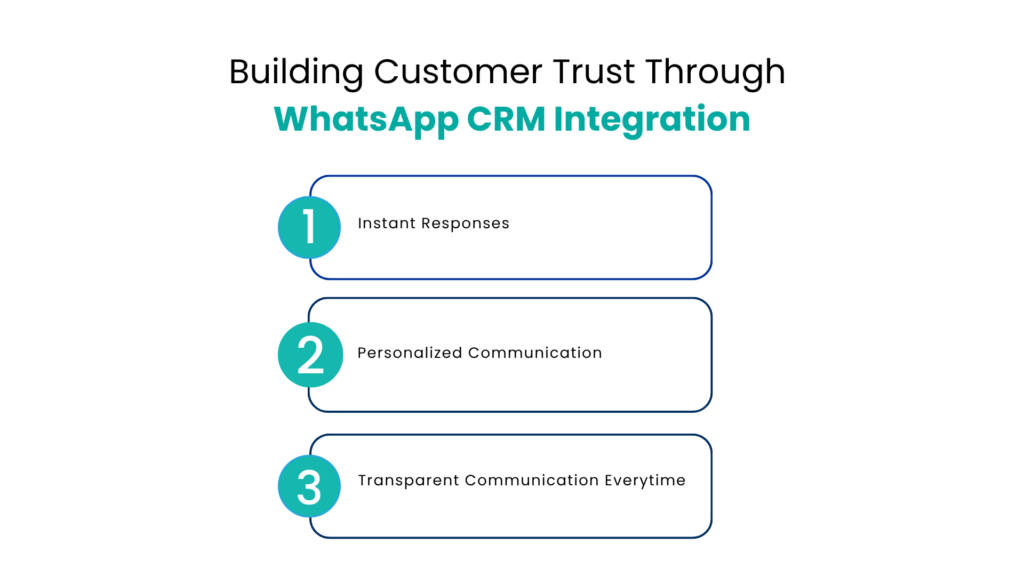
Building Customer Trust Through WhatsApp CRM Integration
Trust is the foundation of every successful business relationship. A WhatsApp communication CRM solution helps build that trust through consistent and reliable communication.
1. Instant Responses
The moment a query or a simple message is typed and the send button is clicked, an instant response is received by the WhatsApp user. This speed impresses them and the brand seems reliable. This consistent engagement makes the user come back again and again.
2. Personalized Communication
People relate more to customized messages more as compared to the generic ones as they tend to feel important and valued because of them. As all the user data is stored in the AI-infused CRM, every interaction, click, location, preference, and history is tracked so that personalized messages can be created according to them.
What generic messages fail to provide, is effectively fulfilled by AI-led CRM Whatsapp Integration.
3. Transparent Communication Everytime
All conversations between the brand and the WhatsApp user are stored in the unified salesforce dashboard under the individual customer profile so that everyone in the organization can access them easily and accountability is ensured.
Faster Conversions made easy with WhatsApp CRM Integration
Speed plays a critical role in converting leads into customers. A WhatsApp CRM integration solution ensures that no lead is left waiting.
Real-Time Lead Engagement
When a customer sends a message, the system instantly captures it in the CRM. Sales teams can respond immediately, increasing the chances of conversion.
Automated Follow-Ups
Follow-ups are crucial but often overlooked because many brands still rely on manual workflows in this digitally advanced era. Automation ensures:
- Timely reminders are sent
- Consistent communication is carried
- Higher engagement rates
Lead Prioritization
Intelligent WhatsApp-CRM systems help prioritize leads based on behavior and engagement, allowing teams to focus on high-value prospects. Rather than spending the same time on every lead falling in salesforce, high-potential ones are given preference.
Noteworthy Features
1. Unified Communication Dashboard
A trusted omnichannel CRM WhatsApp solution allows businesses to manage conversations from multiple platforms in one place, improving efficiency, productivity, and coordination.
2. Automated Messaging Workflows
Automation systems in WA CRM send welcome messages, follow-ups, reminders, and marketing campaigns to ensure timely engagement with leads as well as customers so that no opportunity is missed and zero errors are reported.
3. Lead Capture and Management
With WhatsApp business CRM integration, each and every lead is automatically captured and stored in the CRM dashboard so that easy tracking and management is possible.
4. Broadcast and Campaign Management
Using WhatsApp CRM integration helps organizations send bulk messages to their contacts for various purposes such as promotions, announcements, and much more. With this, a large number of users can be targeted in one go. Other than that, these messages have a much higher open rate than other forms of messaging.
5. Analytics and Insights
WhatsApp embedded CRM systems provide accurate data on:
- Response times
- Conversion rates
- Customer engagement
These insights help optimize communication strategies.
WhatsApp CRM Integration Solution Advantages
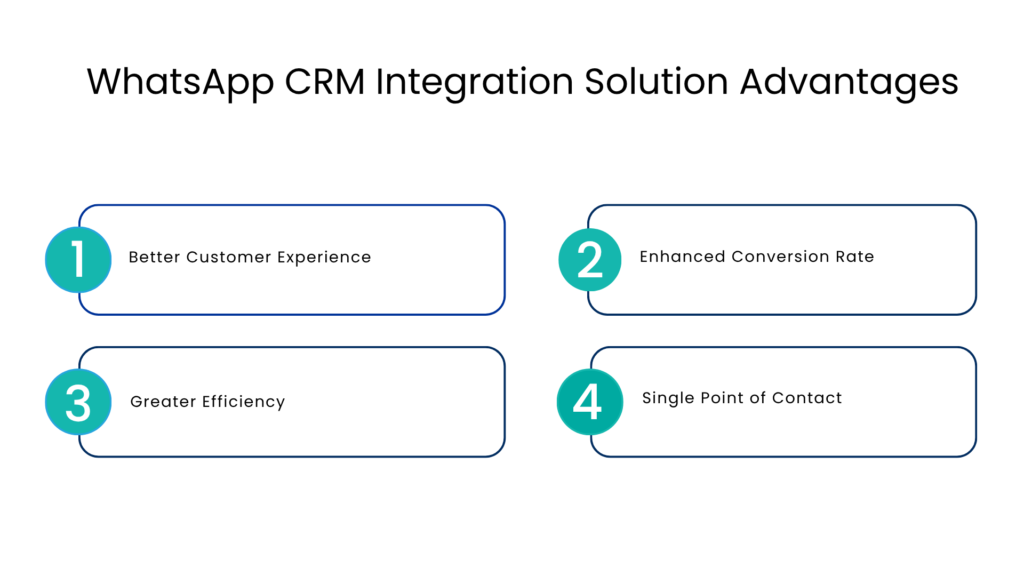
1. Better Customer Experience
Faster replies, personalized communication, and real-time communication impresses the customer and gives them an interactive experience.
2. Enhanced Conversion Rate
Efficient communication results in satisfied customers that stick to the brand and leads to successful conversions.
3. Greater Efficiency
When important communication related processes are automated, tasks are completed on time freeing up time for more important activities such as closing sales.
4. Single Point of Contact
All the WhatsApp communication is handled and managed through one single dashboard rather than being scattered in various tools.
Practical Use Cases
Sales
- Instant lead response
- Deal updates
- Appointment scheduling
Marketing
- Promotional campaigns
- Customer re-engagement
- Product announcements
Customer Support
- Real-time query resolution
- Ticket management
- Feedback collection
How WhatsApp CRM Integration Works?
WhatsApp CRM integration solution follows a simple flow of operations:
- Lead or customers sends a message on WhatsApp
- Message is immediately captured in the CRM and pops up on the dashboard
- Lead or ticket is created
- Automated response is triggered on the spot
- Sales or support team gets involved if the situation is complex
- Conversation is stored in the CRM under user profile
After Scenes of Integration: What does the future holds
For the future of WhatsApp CRM integration, artificial intelligence and automation are the key drivers. Majority of companies are now turning to:
- AI-powered chatbots for immediate replies
- Predictive analytics for prioritizing leads
- Mass personalized messaging campaigns
- Omnichannel messaging tactics
These developments will continue to improve customer interactions and operations.
Conclusion
Implementing WhatsApp CRM integration software is no longer an alternative choice for companies. Rather, it is a mandatory process that needs to be carried out promptly.
The speed in sending replies, follow-ups, reminders, and other updates is slowed down because of manual WA handling. This creates disconnected systems that are responsible for operational inefficiencies and unhappy customers.
Sometimes valuable customers are hidden behind lost leads and a brand loses it due to absence of WhatsApp communication CRM solution.
To visualize and manage everything related to WhatsApp communication from a single dashboard, this integration is a smart decision. Implement it today and take a step towards enhanced customer trust.
FAQs
How does WhatsApp CRM integration build customer trust?
It builds trust through instant responses, personalized communication based on customer data, and transparent tracking of all interactions.
How does WhatsApp CRM integration improve conversions?
By enabling real-time engagement, automated follow-ups, and lead prioritization, businesses can respond faster and convert more leads into customers.
How does WhatsApp CRM integration manage leads?
Leads from WhatsApp messages are automatically captured in the CRM, tracked, assigned, and followed up without delays.
How does WhatsApp CRM integration work?
When a customer sends a message, it is captured in the CRM, a lead or ticket is created, automated responses are triggered, and teams engage if needed.
What challenges does WhatsApp CRM integration solve?
It eliminates delayed responses, manual handling errors, scattered communication, and missed leads, improving overall efficiency.
For more insights, updates, and expert tips, follow us on LinkedIn.